Your Neighborhood, Connected with Yrdly
Yrdly is more than a marketplace — it’s your community hub. Discover and share local listings, connect with neighbors, attend nearby events, and stay updated on what’s happening around you, all in one place.
DISCOVER

Discover Local Events Happening Right in Your Community
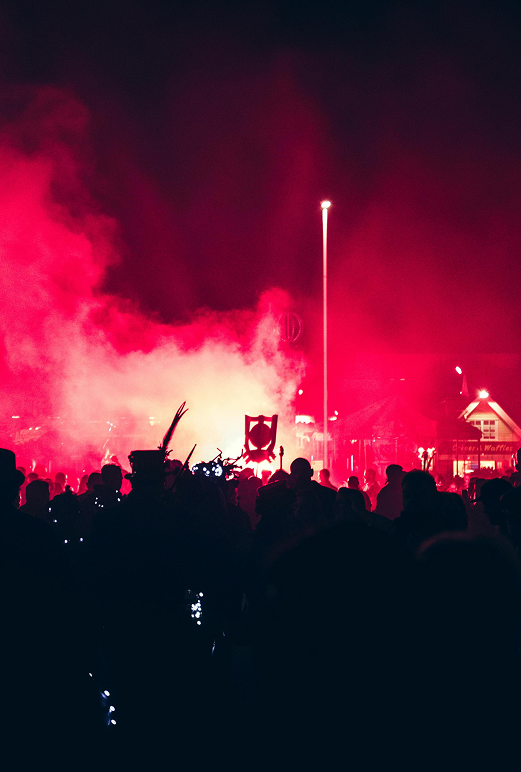
Post your items and events effortlessly, connecting with your local audience

Your Guide to Buying and Selling Locally
Creating a listing is simple and intuitive. Browse through a variety of items and events happening in your area with just a few clicks.
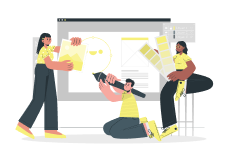
Creating Your Listing Made Easy
Upload images, videos, and documents to showcase your items.
Browse and Filter Listings Effortlessly
Use our search feature to find exactly what you need.
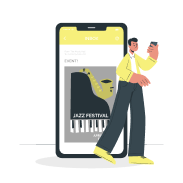
Attend Local Events and Connect
Join events in your community and meet new people.
Stay Updated with Our
Newsletter
Sign up to recieve the lastest listings and local events directly to your inbox. ✦
By clicking Sign Up, you agree to our
FAQs
Find answers to your questions about listings, purchases, and events right here.
How to create listings?
To create a listing, navigate to the 'Create Listing' section from your dashboard. Fill in the required details such as title, description, price, and category, then upload images if necessary. Once you submit, your listing will be visible to the community.
How to purchase items?
To purchase an item, browse available listings and click on the one you’re interested in. Tap the 'Buy Now' or 'Contact Seller' button to proceed. Payments can be made securely through our supported payment gateways, and you will receive a confirmation once the purchase is complete.
How to attend events?
To attend an event, go to the 'Events' section of the app. Select the event you’re interested in, check the details, and click 'Join' or 'Get Ticket'. If it’s a paid event, you’ll need to complete the payment process before your spot is confirmed.
Can I save listings?
Yes, you can save listings to view later. Simply tap the 'Save' or 'Bookmark' button on any listing. Your saved listings will be available under your profile in the 'Saved Items' section.
What if I have a question?
If you have a question, you can visit our Help Center or contact support directly from the app. Go to 'Settings' → 'Support' to chat with our team or send us an email. You can also check our community forums for quick answers.