About Us
Built for Nigerians, by Nigerians. Fostering trust on every street and in every estate.
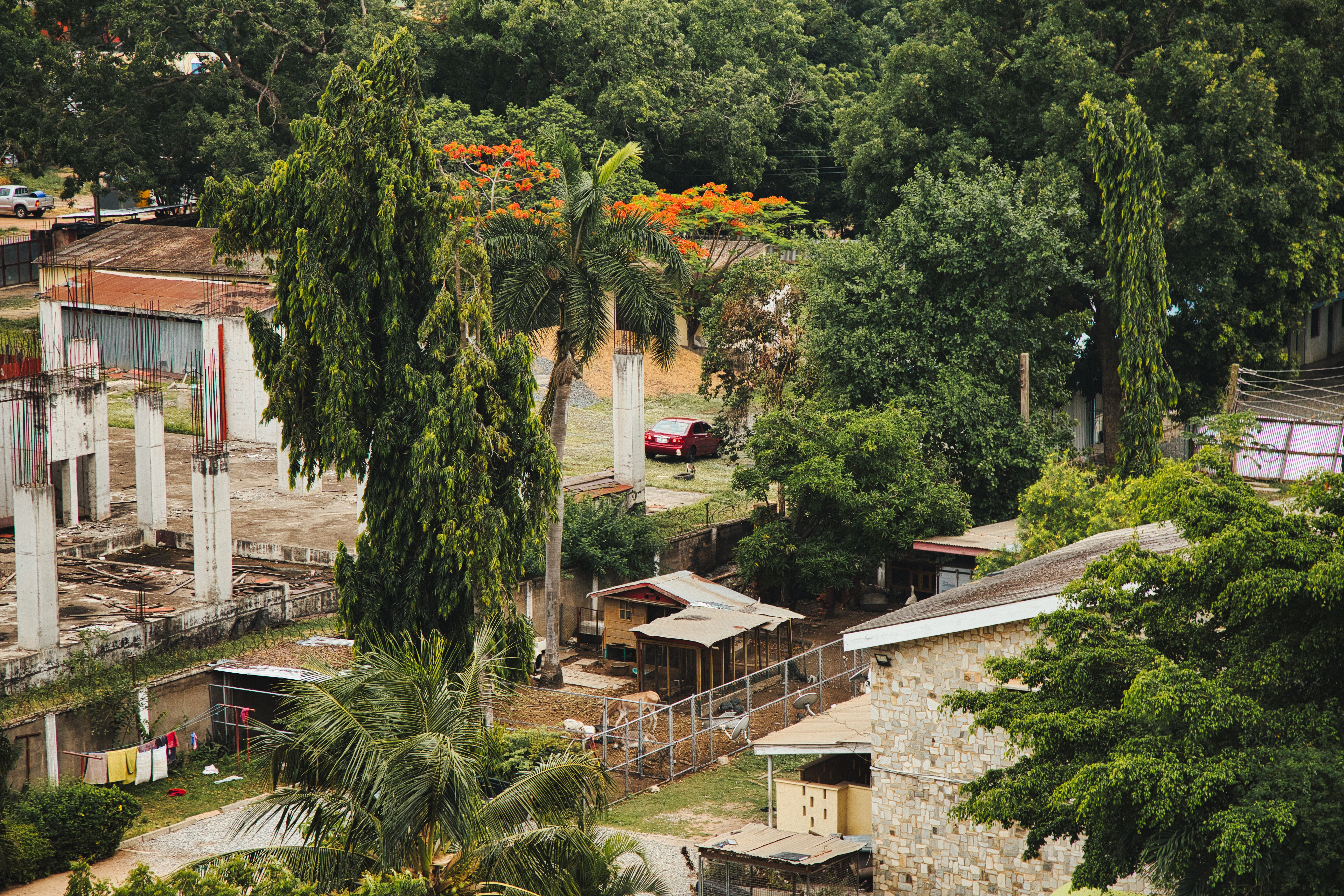
Technology That Works For You.
Yrdly is built for Nigerians by Nigerians. We understand the hustle, the owambe weekends, and the unique pulse of our estates and streets.
From buying from the vendor next door to securing your spot at the estate meeting, Yrdly brings your immediate community right to your fingertips.
"Our goal is to bring back the age-old Nigerian spirit of community — where neighbours actually know, trust, and support each other."
FAQs
Find answers to your questions about listings, purchases, and events right here.
How to sell on the Neighbourhood Market?
To sell an item, go to the Marketplace and tap 'Post Hustle'. Add photos, set your price in Naira, and wait for verified neighbours to contact you. It's safe, local, and quick.
How to buy from neighbours?
Browse the Marketplace for items in your estate or city. You can chat with the seller directly in the app or pay securely via Paystack escrow to ensure you get exactly what you paid for.
How do I attend local events?
Head to the Events tab to see owambes, estate meetings, and parties near you. Tap 'Get Ticket' to secure your spot. For paid events, checkout is seamless and your ticket is stored in the app.
Can I save items from vendors?
Yes! Spot a good deal but not ready to buy? Tap the save icon. You can find all your saved items later in your profile under 'Saved Items'.
How do I contact support?
Having issues? Our Nigerian support team is always ready to help. Go to 'Settings' → 'Support' in the app to chat with us, or send an email to yrdly@gmail.com.